
Knit Design
Pointcarre's Knit Design software is built for the design and simulation of Jersey and Jacquard weft knitting, for industrial production. It's the ideal tool for designing socks, beanies, polo shirts, scarves, sportswear and Jacquard sweaters, with realistic simulation and built-in AI tools to speed up every step.
Knit your idea
Start from an existing motif or create one from a blank page. Quickly build and easily modify Jersey and Jacquard knits with Pointcarre.
 Design in repeat
Open an existing pattern to rework it, or start from nothing and let the Cleanup & Repeat tools build the motif for you. Work directly in repeat mode with any kind of repeat: straight, half drop, mirror, with or without overlap, so what you see on screen is exactly what will come off the machine.
The right grid
Draw on screen, on a grid, at the right scale. Set the rows and columns to match the gauge, and choose a square or non-square grid.
This is not a cosmetic detail. A knitted stitch is rarely a perfect square, its proportions depend on the gauge. Designing on a square grid when the fabrication grid is not square is the most common reason a pattern looks distorted once knitted: stretched motifs, circles that turn into ovals. Pointcarre's non-square grid shows the true proportions on screen before a single stitch is knitted, avoiding surprises at the mill.
 Cleanup & Repeat
Import a scan, a photo or a hand drawing and the Cleanup tools reduce the colors in seconds while keeping every detail, ready to be turned into a knit stitch pattern.
Repeat Maker, powered by AI, then computes a seamless all over repeat in seconds: choose the direction, straight, half drop or mirror, and let the software handle the geometry so the motif tiles perfectly in every direction.
Cleanup & Repeat
From a rough idea to a knit ready motif
Fast color cleaning
Reduce the number of colors of any imported image in a few seconds while preserving the original detail, an essential step before turning a motif into a feasible Jacquard knit.
AI seamless repeat
Repeat Maker analyses the source image and generates an all over version of it in seconds, so a single motif or a simple sketch becomes production ready without hours of manual retouching.
Digitalize, at the right scale
Digitalize brings any imported motif to the right scale and in repeat, resizing it to a specific number of rows and columns for the gauge. A detailed photo or hand drawing is downscaled straight onto a real knit grid.
Design Maker, from a text prompt
No starting image at all? Design Maker generates brand new motifs from a simple text description, in repeat if needed, ready to be sent straight into a knit stitch pattern.
Filters
Amazing graphic design possibilities by using powerful filters to manipulate, retouch and enhance your knit: vibrate to obtain an « ikat » effect, felt to obtain a « woolen » effect, shade to obtain relief and shade patterns on textured backgrounds, or mix for allovers. A full library of knit textures completes the set to get perfect simulations.
Stitches & colors
A complete stitch library covers Single Jersey, Single Jersey Jacquard, Double Jersey Jacquard and Jacquard Intarsia. Add your own stitches for a greater variety of effects.
Changing color in a knit is easy, with drag and drop from the color pickers built into Pointcarre: the Pantone Textile library, the Archroma Color Atlas and ColorCSI, all included at no extra cost.
Socks: five steps from motif to machine
Socks and hosiery push a knit CAD the hardest: small motifs, a fine gauge, and a collection that needs many colorways to feel complete. Here is how a sock goes from a first idea to a production file, entirely inside Pointcarre.
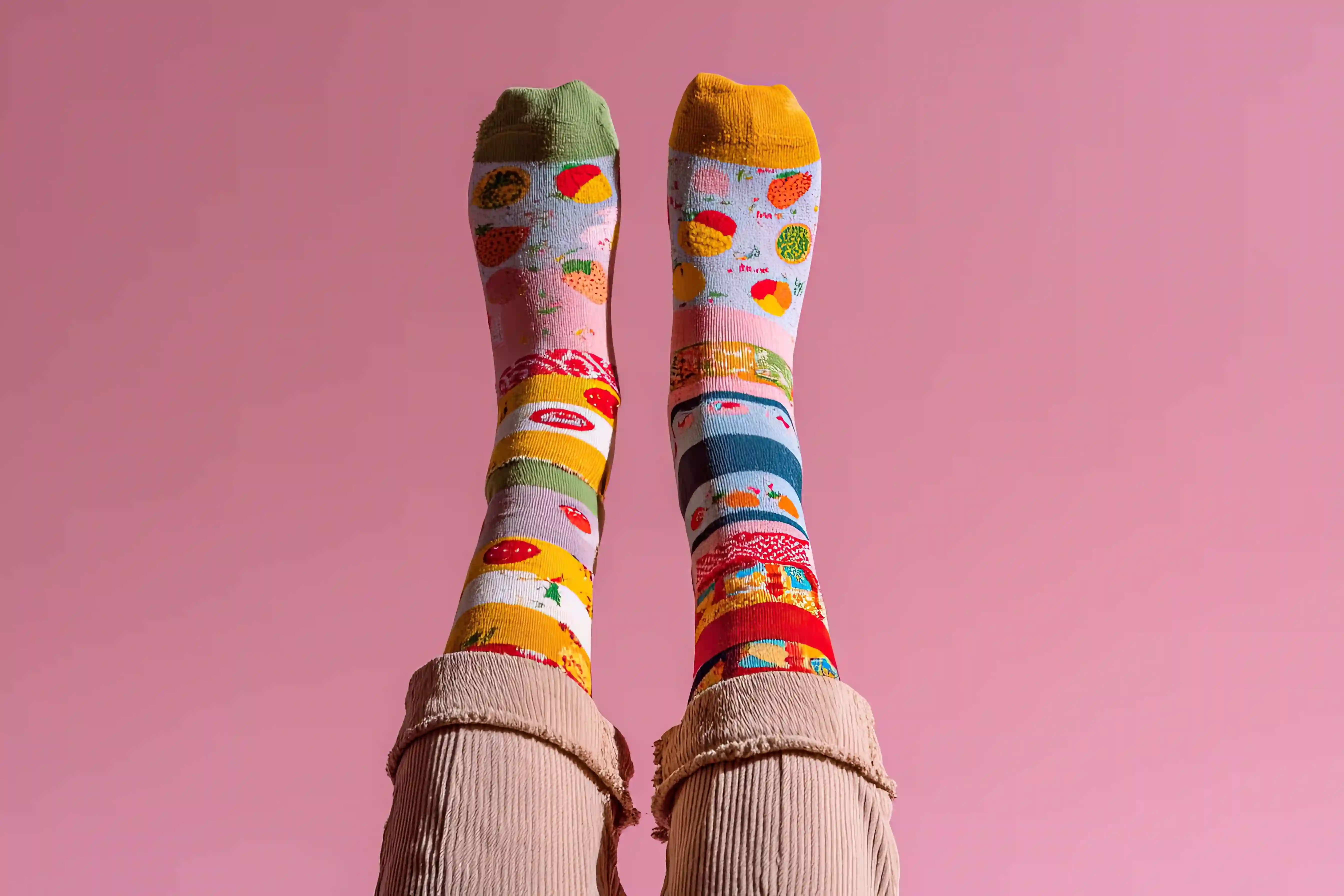
Knit design & Colorways
Draw the motif at the right scale with Knit's stitch and color libraries, assign colors from the Pantone, Archroma or ColorCSI pickers, and create colorways.
Selection of knit stitches
Choose from a stitch library, and complete it with your own knit stitches.
Effects & textures
A complete range of knit textures is available for realistic effects, and new ones can be imported.
3D Mapping
Drag a knit onto each zone of a real product photo, the leg, the foot, the heel, and drop in a logo, a stripe, a text or a motif exactly where it belongs.
Machine file & check
After checking the knit with 3D Mapping, export the design into a production file for the knitting machine.
One module, every knitwear product
From basics to statement pieces, the same Knit module follows the product all the way to the machine.
Socks & hosiery
Simulate the Jacquard pattern and preview it, matching the fine gauge of circular knitting machines before the test knit.
Beanies & hats
Design, adjust and produce a Jacquard beanie across ten colorways, then generate the machine-ready files in a single day.
Polo shirts & T-shirts
Visualize different effects and check the exact alignment of the polo collar against the Jersey body before finalizing production.
Scarves & accessories
Apply an all-over Jacquard or Intarsia motif to a scarf and manage different color variants in a few clicks.
Sportswear & activewear
Assign a different stitch structure to each zone of the T-shirt, then preview the final result with 3D Mapping.
Sweaters & Jacquard knitwear
Design an Intarsia sweater and let Pointcarre generate the stitch-by-stitch grid as well as the technical card, ready for Stoll or Shima Seiki.
Technical card
Edit a technical view of your knit, showing its construction: each color can be expressed by a number, a stitch or a symbol
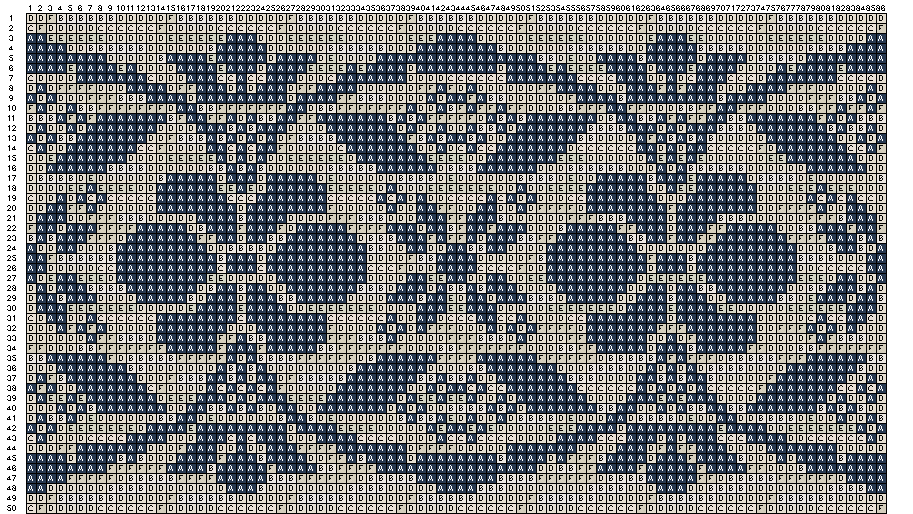
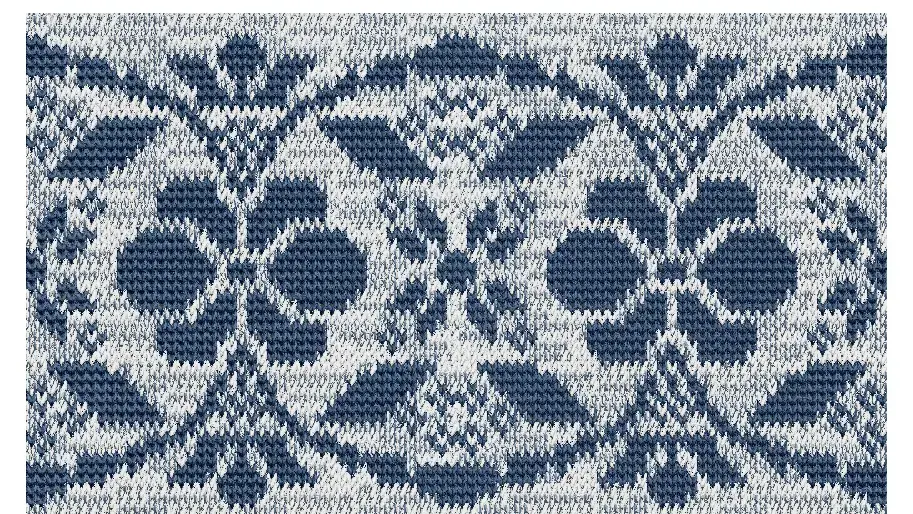
Knit Design features & benefits
- Direct work on the grid, drawing and coloring the knit exactly as it will be produced
- Image digitalization from any scan, photo or hand drawing, reduced to a workable number of colors
- Control of the number of colors per row and column, to match your knitting machine
- Color libraries included at no extra cost: Pantone Textile Library, Archroma Color Atlas and ColorCSI
- Complete stitch library: Single Jersey, Single Jersey Jacquard, Double Jersey Jacquard and Jacquard Intarsia
- Simulation of Jersey and Jacquard knits at the exact gauge, on a square or non-square grid
- Design Maker generates new motifs from a prompt, Repeat Maker computes an AI-powered repeat in seconds
- With the "ColorMood" feature, create color variants from a photo and preview the simulation instantly
- Visualize any knit motif directly on a product with 3D Mapping
- Exports to .bmp, .pat, .tiff, .png and .tga, ready for flat and circular knitting machines including Stoll, Karl Mayer and Shima Seiki
Production
From the studio straight to the knitting machine
Whether the mill works on flat bed knitting technology or a circular knitting machine, Pointcarre keeps the stitches, the colorways and the technical card in one file, exported to .bmp, .pat, .tiff, .png or .tga and compatible with machines such as Stoll, Karl Mayer or Shima Seiki.
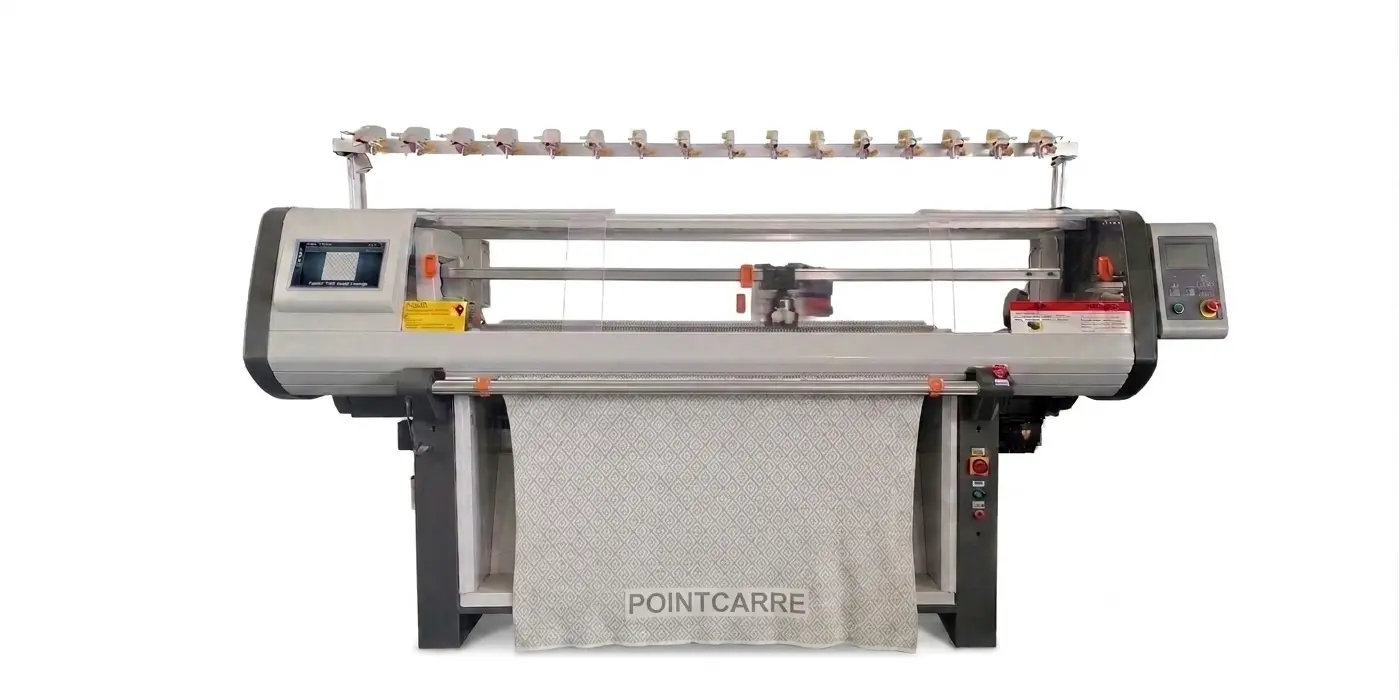
Flat Knitting Machine
Used for fully fashioned pieces and shaped panels in Jersey or Jacquard, such as sweater fronts, backs and sleeves, compatible with several models such as Stoll or Shima Seiki.
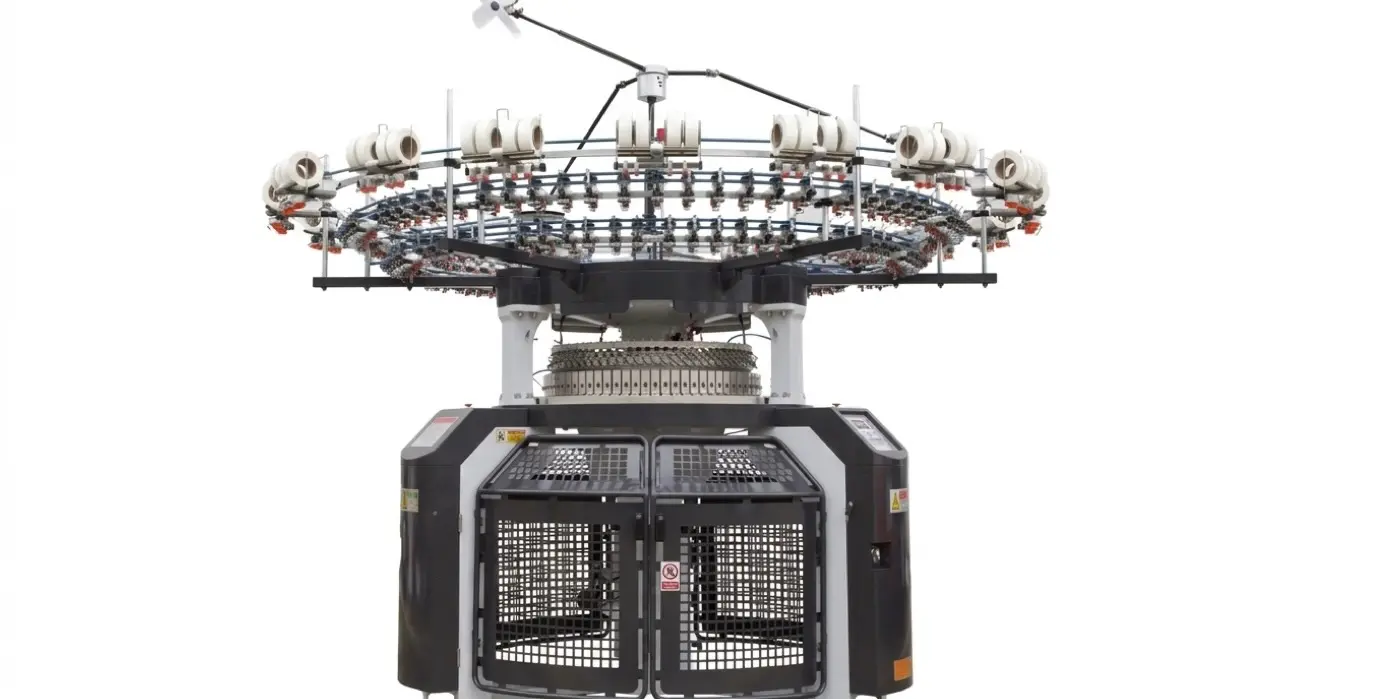
Circular Knitting Machine
Needles arranged in a circle for continuous loop formation, the format of choice for seamless tubular fabric such as T-shirts and sportswear, in Single Jersey or Jacquard.